New Features & Improvements
Animations
- Multiple animation shots can now be previewed and exported.
- Multiple cameras can be exported from the Outputs feature.
- A default shot is automatically added when no other shot is available.
- Animation shots are sorted alphabetically, with the demo sequence displayed first.
- Animation exports with multiple shots now continue frame numbering across shots.
- Added a fast export option for animations.
- Improved animation export performance and rendering times.
Rendering & Visual Quality
- Added DLSS Ray Reconstruction, with the option to enable or disable it using Ctrl+G.
- Improved visual quality and light reflections for materials such as satin and metallic.
- Improved reflection and shadow quality in thumbnails and scene captures to better match the live viewport.
- Fixed image quality issues when exporting animations using standard quality settings.
- Improved frame counting and elapsed-time calculations for renders and animations.
Expressa Components
- Added controls in the top bar to manage the visibility of Expressa Props components.
- Expressa Light Components now update their saturation according to the current Hue value.
- Improved the visual appearance and sizing of Expressa Props components.
User Interface & Workflow
- Added a visual indication when a render is in progress, including a hint that ESC can be used to cancel it.
- Pressing ESC during a render now cancels the render and closes the preview window.
- Improved sidebar expansion and collapse behavior.
- Improved text field behavior in libraries to prevent resizing and overlapping.
- Cloud libraries now retain the previously selected filter when re-entered.
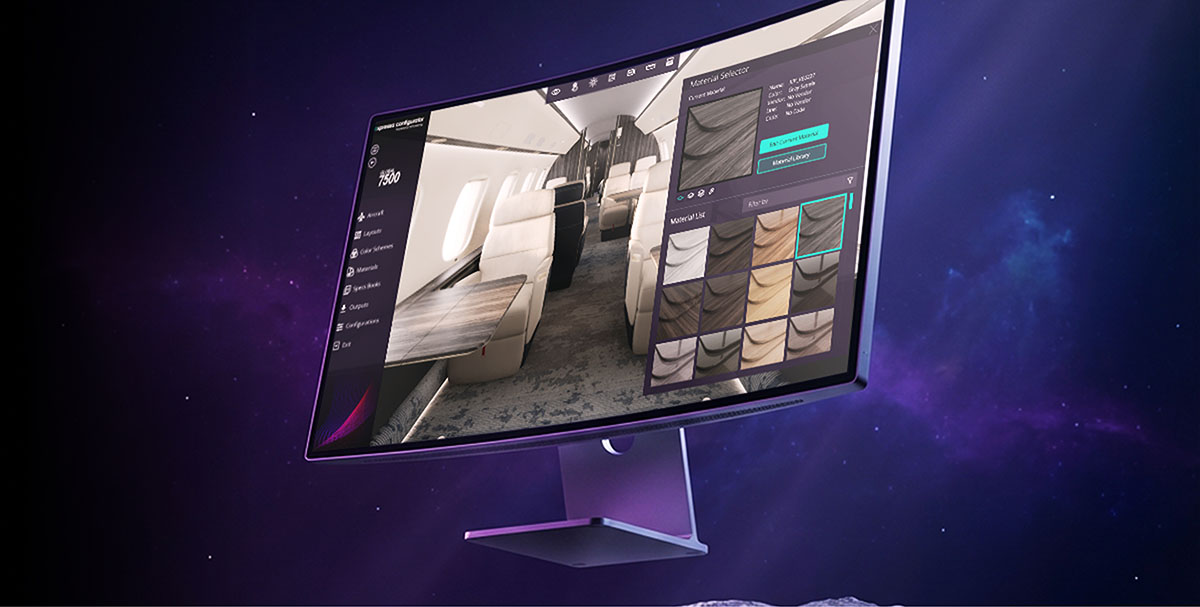
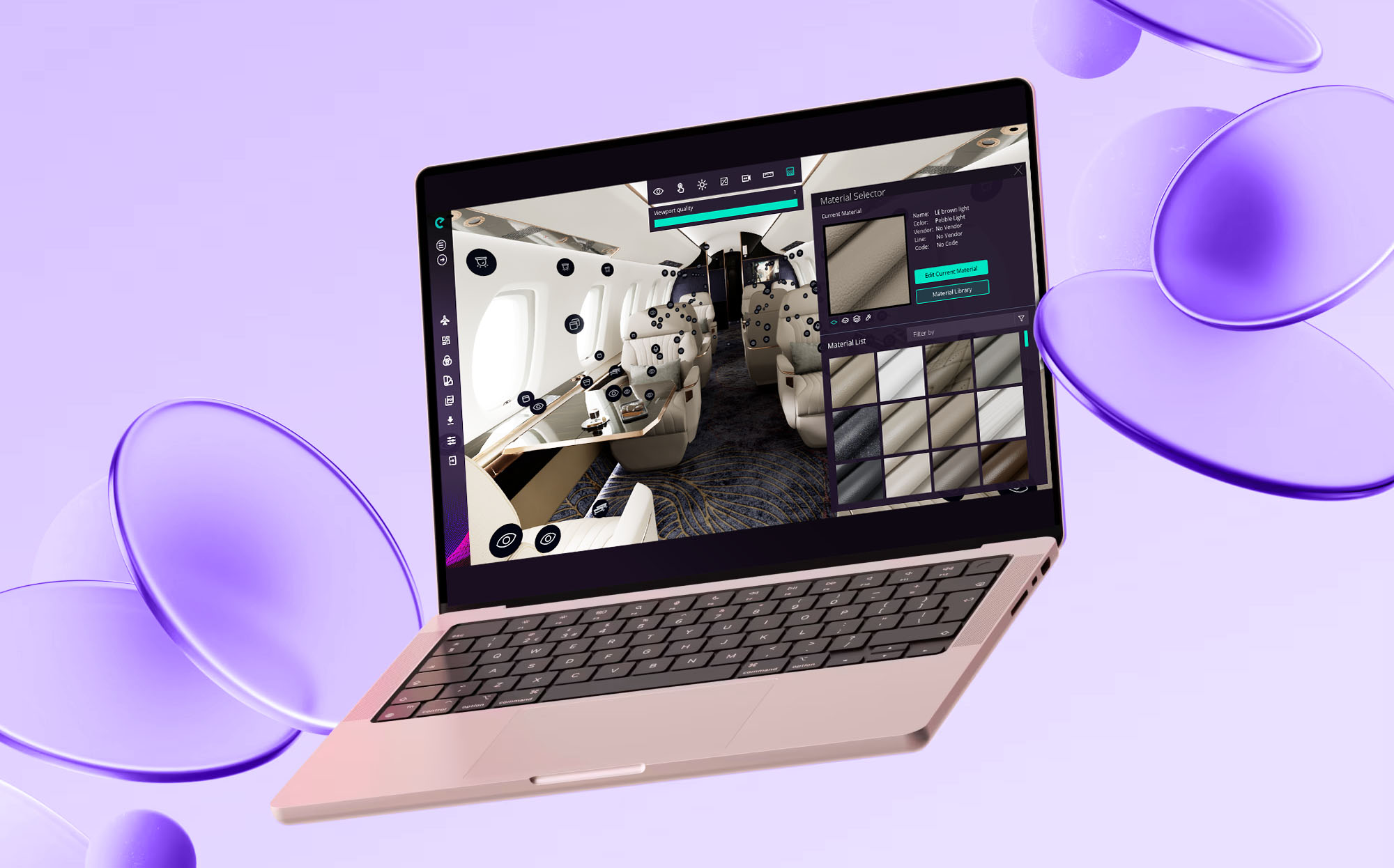
- Added clearer selected states for the Color Picker in the Material Selector.
- Improved material and camera editing workflows.
Bug Fixes
Animations & Exports
- Fixed missing animation shots in Outputs.
- Fixed crashes when previewing the same animation shot more than once.
- Fixed fast render not working correctly for animations.
- Fixed incorrect rendering times during animation exports.
- Fixed animation exports overwriting frames from previously rendered shots.
- Fixed the Animations window displaying shots from other aircraft.
- Fixed invalid rendering method options appearing during exports.
Materials & Libraries
- Fixed inconsistent platform filter selection in the Material Editor.
- Fixed material removal not being correctly reflected in the Material Selector.
- Fixed deleted materials remaining temporarily available for selection.
- Fixed material renaming when only capitalization is changed.
- Fixed material changes not being correctly reflected in tooltips and material lists.
- Fixed material assignments after deleting a material by applying the default material correctly.
Cameras & Layouts
- Fixed the Apply button state after loading a layout.
- Fixed the Cancel action when saving a camera through the editor.
- Fixed camera rotation changing after canceling camera editing.
- Fixed the application becoming stuck on the loading screen when applying a configuration with only minor differences from the current one.
Expressa Components
- Fixed inconsistent checkbox states in Expressa Components.
- Fixed initialization values for Props components.
- Fixed visibility toggling behavior for Props components.
- Fixed visual and sizing inconsistencies in Props controls.
Other
- Fixed a crash when loading certain additional customizations.
- Fixed forced login after long rendering processes.
- Fixed incorrect sun color behavior when switching to a platform without a default configuration.
Known Issues
No known issues are listed in the information provided.