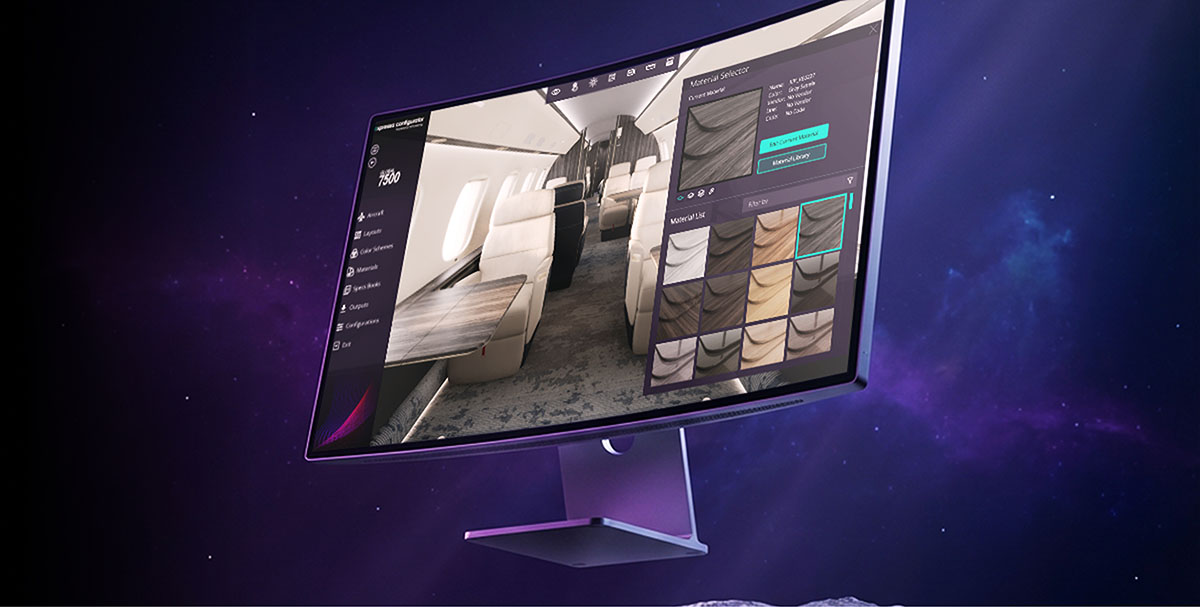
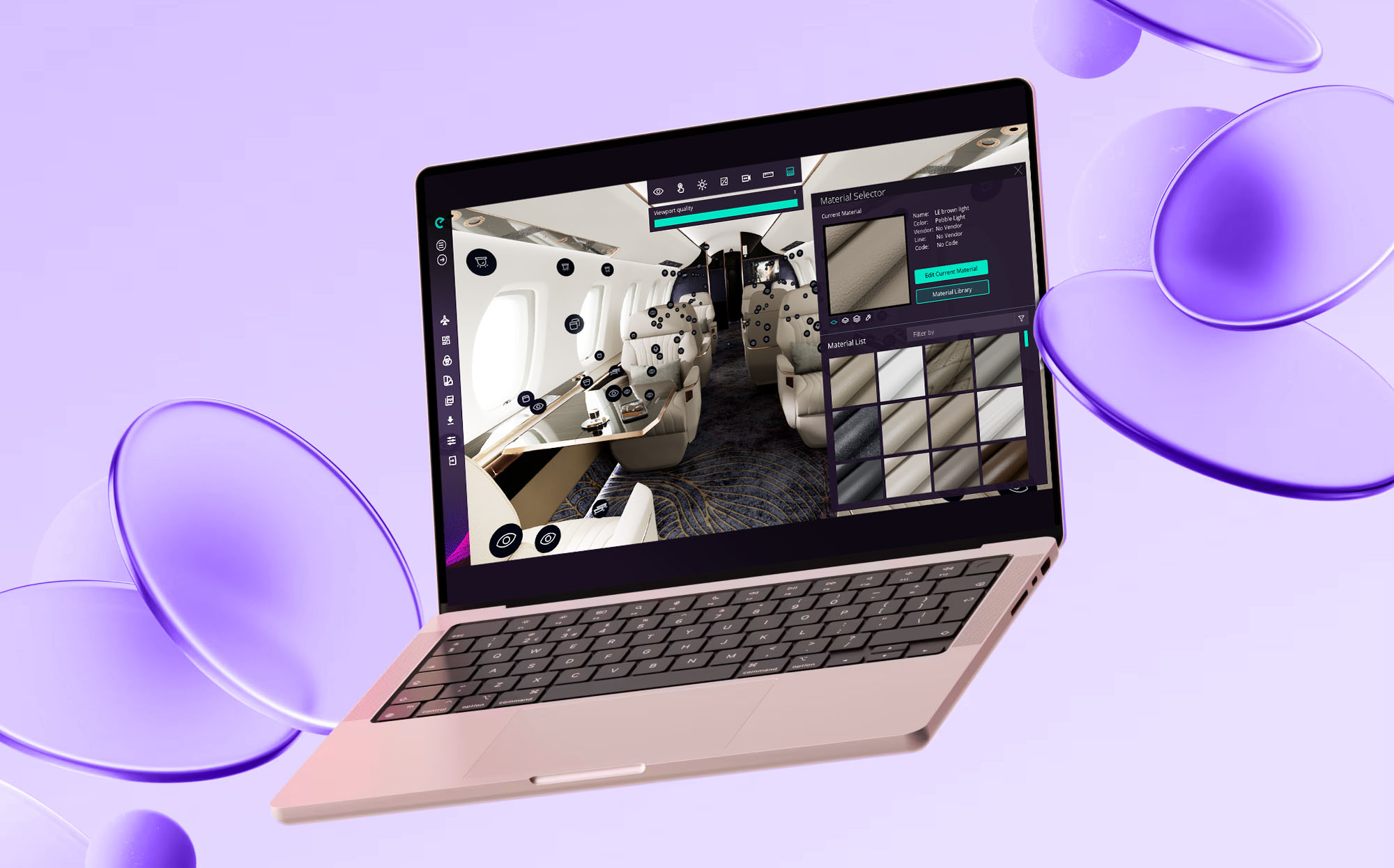
Expressa Configurator 1.7 has officially arrived, bringing a comprehensive overhaul designed to streamline every phase of business aviation design. Built on direct feedback from MROs, OEMs, completion centers, and interior designers, version 1.7.1.0 bridges the gap between high-speed production and visual fidelity. From automated multi-camera render queues and selective animation paths to versatile material mapping, and enhanced data security, this release equips your team to take cabin concepts from raw model to client-ready presentation in record time.
Discover how version 1.7 eliminates pipeline bottlenecks and empowers you to deliver extraordinary visual concepts faster than ever.
The Core 1.7.1.0 Experience
The 1.7.1.0 core update represents a major leap forward in our software’s capabilities. We have focused heavily on user feedback to introduce tools that streamline the design process from concept to final presentation.
Streamlined Workflows for Unmatched Efficiency
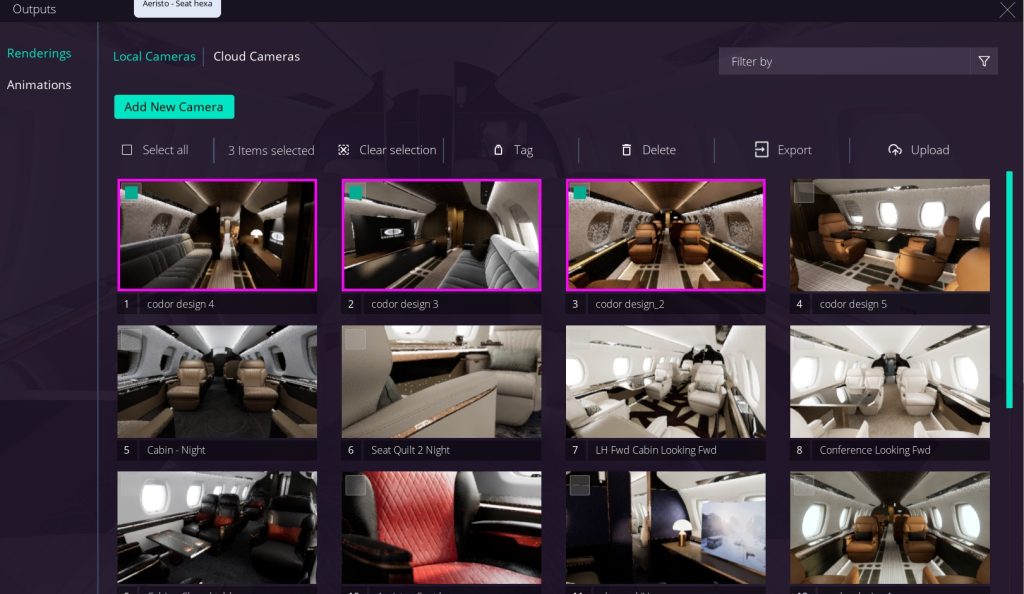
Render Queue
One of the most requested features by our users is finally here. You no longer need to export renders one by one. With the new Render Queue, you can line up multiple renders to process automatically across your manually preselected camera angles—all exported consistently in the active viewport color scheme. Simply stage your setup, queue your views, and let Expressa do the heavy lifting.
Animation Split
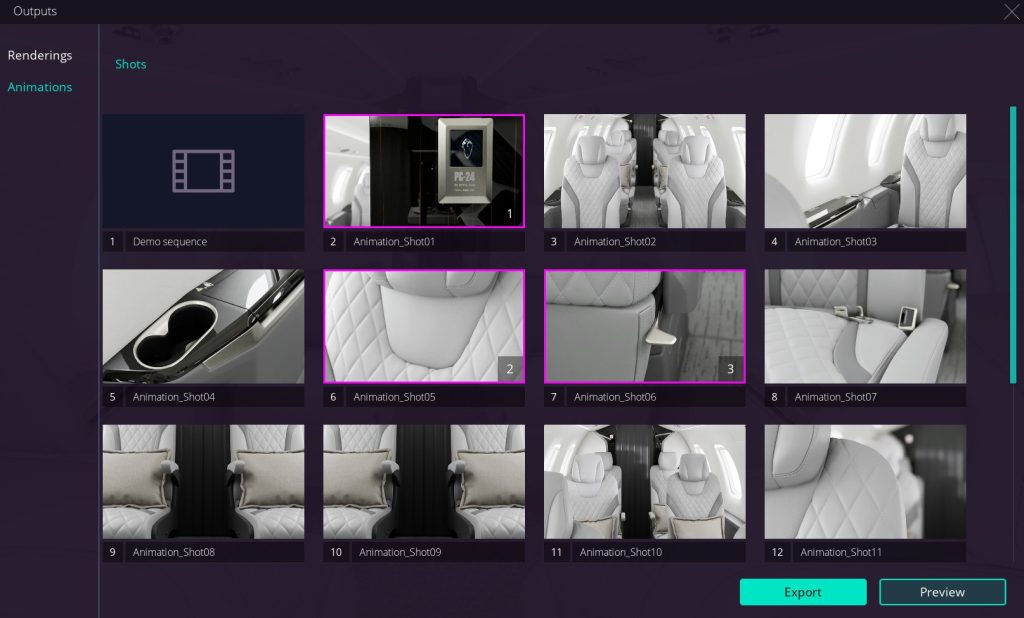
Another highly anticipated addition is the Animation Split feature. For supported aircraft, users can now select specific camera paths of different lengths both for previewing the animation and for the final export. This gives designers the ultimate control over their visual narrative. Allowing animations to focus on specific areas of interest in the aircraft cabin.
This feature will be progressively updated across the entire Expressa fleet based on project requirements.
Four Animation Rendering Option
You can now customize animation output with two resolution options — Social Media or Full HD — and two rendering methods — Standard or Production High. This gives you four rendering options to choose from, depending on your project and quality requirements.
Enhanced Quality, Control, and Security
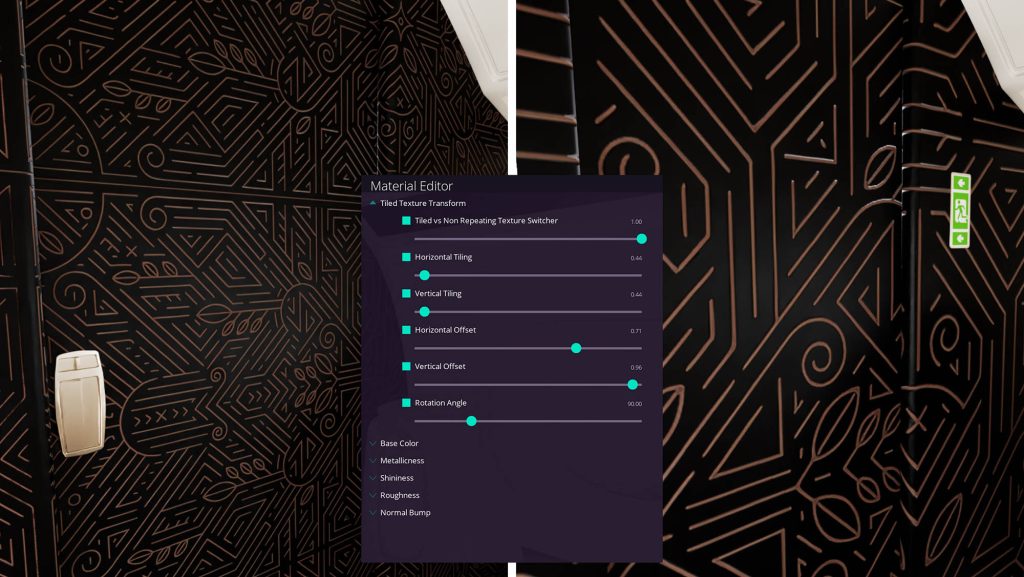
Interchangeable Material Templates
Our material editor continues to grow more versatile. We have introduced a brand-new material template that is completely interchangeable between “Fit” and “Tile” mapping, giving designers effortless control over complex textures and patterns across the cabin.
Viewport Optimization & DLSS
Version 1.7 brings improved viewport optimization for a smoother, more responsive experience. DLSS (Deep Learning Super Sampling) further improves viewport performance, helping maintain smooth interaction while working in real time.
Want to learn more?
Visit the Expressa Support Center to learn how DLSS Works, and how to enable or disable the viewport refreshes every 250 frames.
Continuous Improvements and Bug Fixes
A smoother experience is always a priority. Expressa 1.7 brings a host of under-the-hood improvements, including fixes for reported visualization errors in thumbnails, purple selection highlight and tooltip glitches.
For a complete and detailed list of all bug fixes and minor improvements, please check our Release Notes.
Design with Speed, Deliver with Excellence. Upgrade to Expressa Configurator 1.7 today and redefine how you present aircraft interiors to the world.